Half Life Alyx - ADDONS Tutorial
Step 1 - Subscribe to the addons you want to play. See my Alyx ADDONS favourites or Steam's Workshop page.
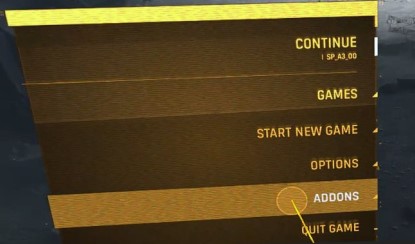
Step 2 - Launch Half Life Alyx and click ADDONS.
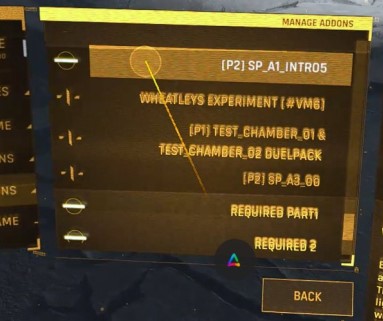
Step 3 - Click the addons you want to load. They'll have a white highlighted dash [-] when they're enabled, then click BACK.
- Note: Some addons don't work well together and may need to be disabled (switch back to stylized plus sign [+] if you have problems.)
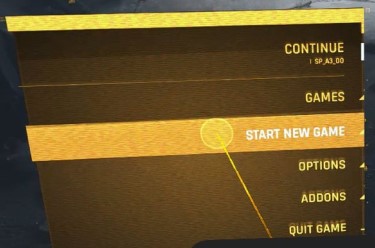
Step 4 - Click START NEW GAME.
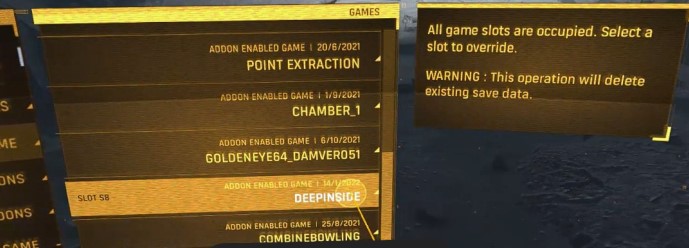
Step 5 - Select an empty slot, or if they're all full, select one of the used ones (you'll get the popup warning.)
Step 6 - Select ADDON MAPS (click the [<] or [>] buttons) to play Modded levels, or leave it on Original to play the original game.
You can also click MANAGE ADDONS (button on bottom) to load the Workshop from this screen. It's cumbersome, but it works.
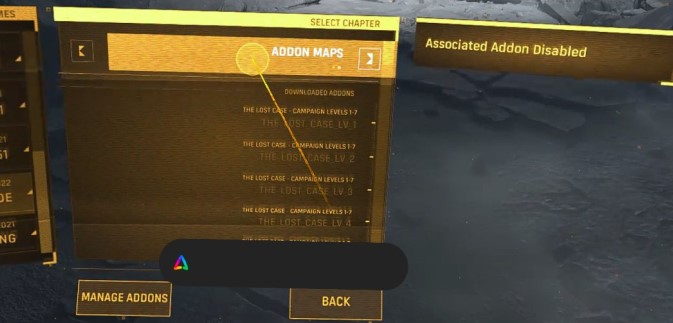
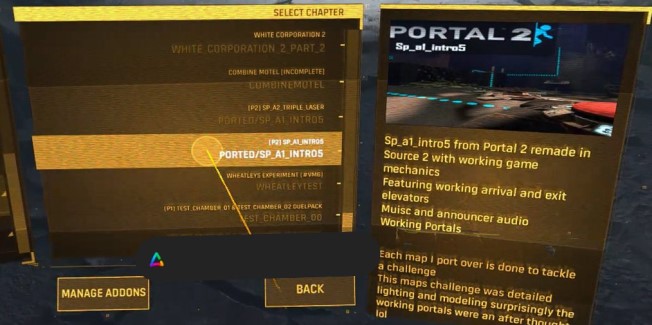
Step 7 - Select the game or chapter you want to load.
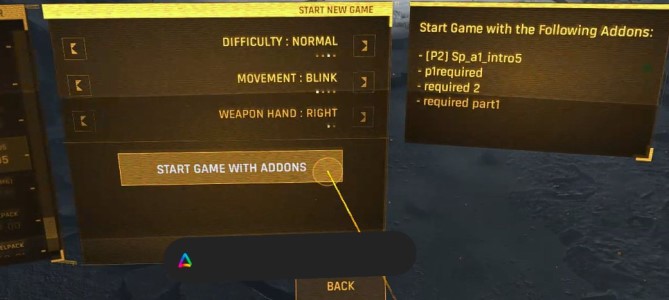
Step 8 - Click START GAME WITH ADDONS.
Step 9 - ENJOY!!!